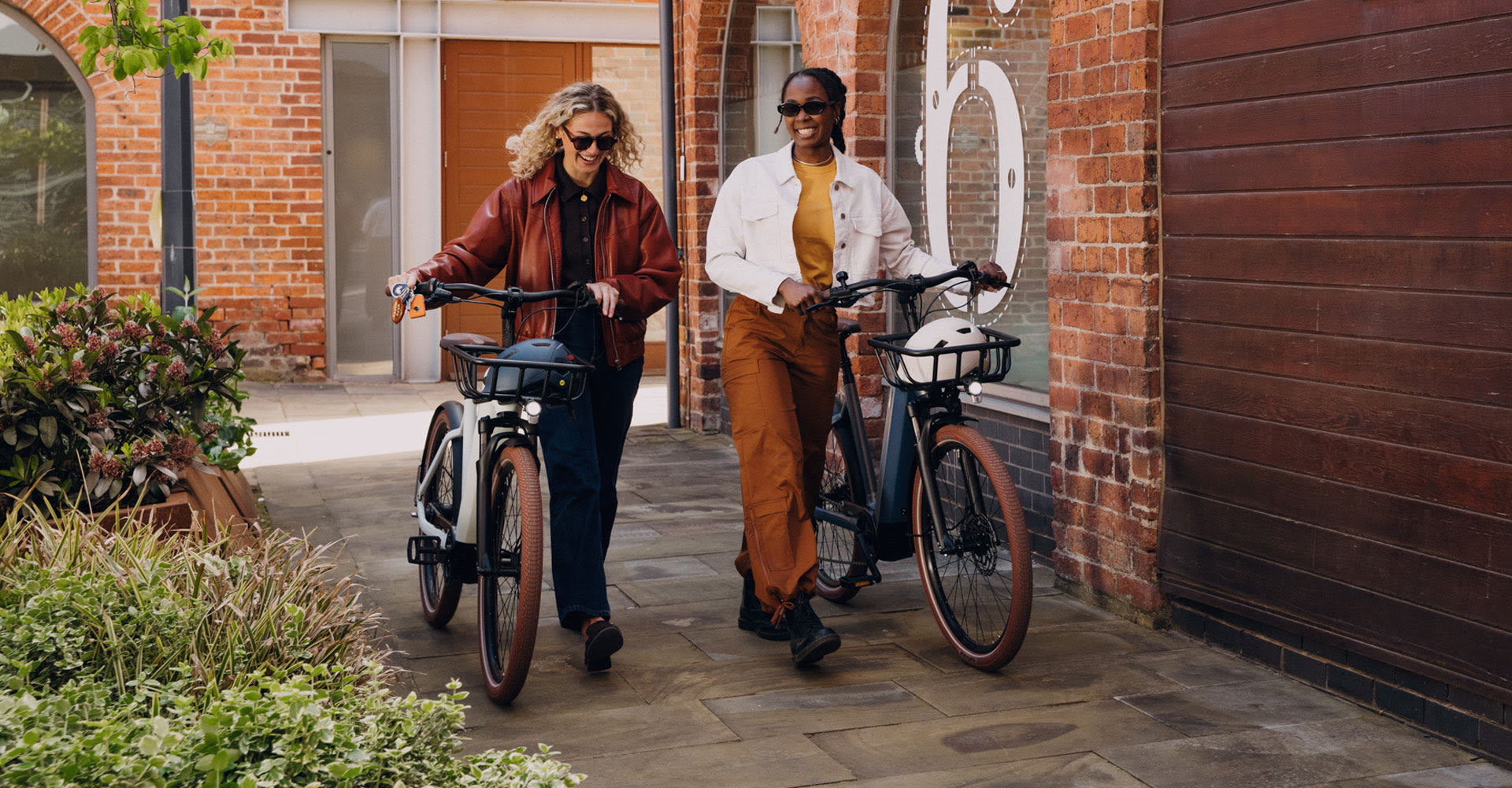
A little more confidence can make every stop feel easier. Aegis E-Lock lets you secure your E-bike through the RideControl App or with a personalized PIN. Whether you’re stepping away for a moment or parking for longer, access stays simple and close at hand.

Available exclusively on the latest Giant E+ System E-bikes.
SECURE EVERY STOP

Secure your E-bike quickly through the RideControl App, or enter your personalized PIN when your phone isn’t nearby. Auto Lock can also secure the bike when it is turned off or left idle, making protection feel like a natural part of every stop.

LOCKED. ALARMED. READY.

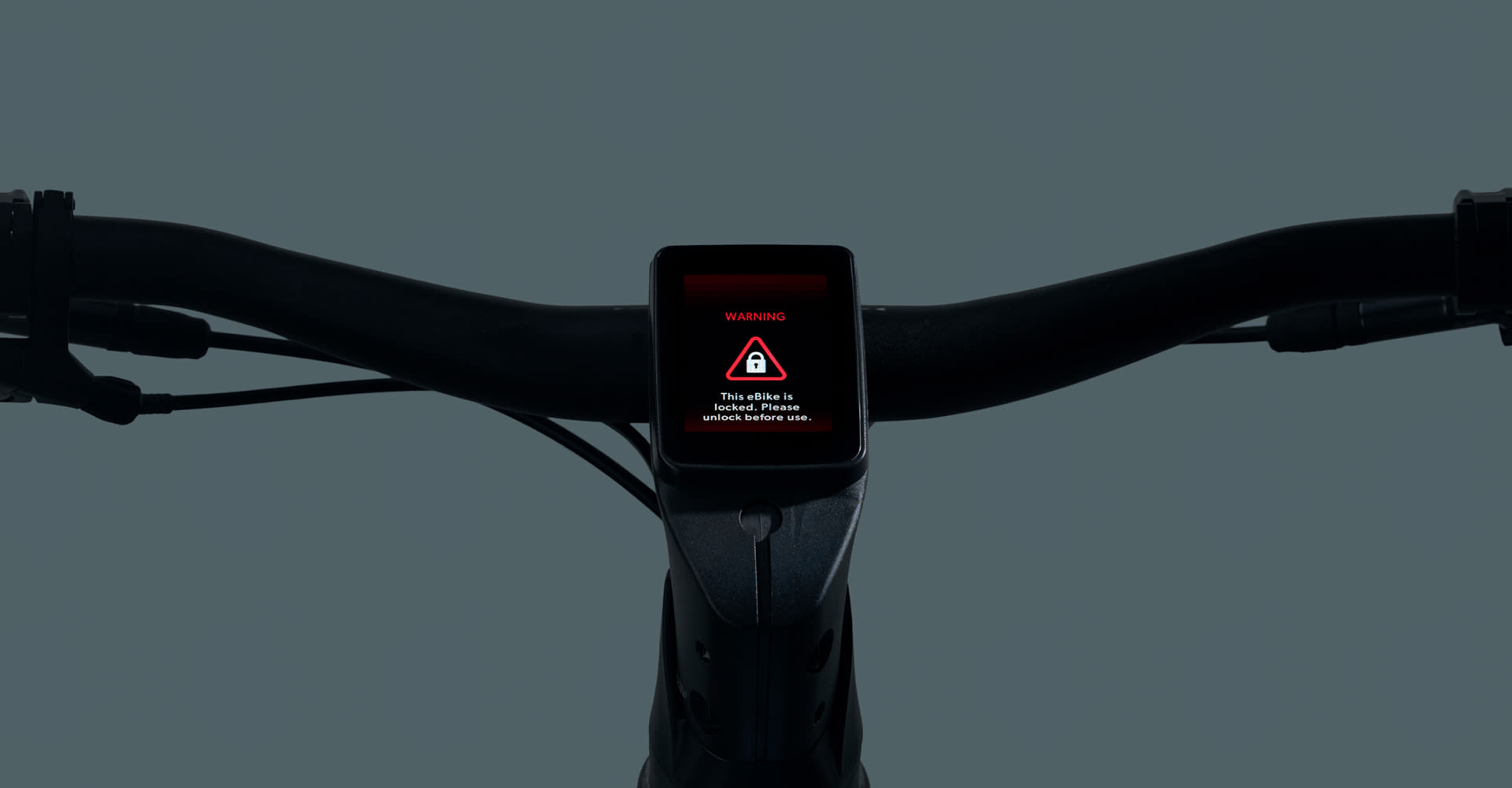
Once your E-bike is locked, motor assistance is disabled and the display clearly confirms its secured status. If movement is detected while you’re away, built-in sound and visual alarms activate instantly to help deter theft and draw attention. You’ll also receive an alert through the RideControl App.

ACCESS STAYS YOURS

E-Lock connects to your Liv account, helping ensure that only authorized users can lock or unlock your E-bike. Safeguards against repeated incorrect PIN attempts add another level of protection, while system logs can support dealer assistance when additional help is needed.

FEATURES

Stepping away from your E-bike should feel straightforward. With access through the RideControl App or display, automatic locking support and safeguards against unwanted access, E-Lock helps make every stop feel confident, controlled and easy.

Aegis e-lock

LOCKS WHEN NEEDED

Auto Lock can secure your E-bike when it is turned off or left idle, making it easier to add security every time you stop.

Two Flourish E+ bikes outside a window.

TWO SIMPLE WAYS TO UNLOCK

Use the RideControl App to lock or unlock your E-bike. When your phone isn’t nearby, enter your personalized PIN on the RideControl display.

row of bikes

ADDED PROTECTION FOR YOUR PIN

Multiple incorrect PIN attempts activate a temporary timeout, providing another safeguard against unwanted access.

Previous slide
Next slide

SET UP E-LOCK IN THE RIDECONTROL APP

The RideControl App guides you from connecting your E-bike to creating your PIN. E-Lock is linked to your Liv account, keeping lock control personal, clear and ready whenever you need to step away.

Explore RideControl App

CREATE YOUR DIGITAL KEY

Register your E-bike with your Liv account, enable E-Lock and create a 4-digit PIN. Once E-Lock is activated, you can secure your bike through the app or compatible RideControl interfaces—even when your phone isn’t nearby.

SECURITY WITHIN EASY REACH

After E-Lock is set up, supported RideControl displays and remotes let you manage security directly from your E-bike. You can keep lock access close at hand without needing to reach for your phone at every stop.

UNLOCK FROM YOUR RIDECONTROL

Manage E-Lock through a supported RideControl display or remote without opening the app. Open E-Lock from the settings menu, then enter your 4-digit PIN directly on the bike to unlock it. It’s a simple way to get moving again after a quick stop.

COMPATIBILITY

With Smart Gateway 2.0 at the center, E-Lock connects with compatible RideControl interfaces and RideDash displays. You can check the lock status, enter your PIN and manage quick stops directly from the cockpit.

HELP WHEN YOU NEED IT

Helpful resources make E-Lock easier to set up, use and manage. Find guidance covering activation, PIN access, lock status, account connection and troubleshooting, so your E-bike remains simple to secure and unlock.

GET E-LOCK READY

These quick guides walk through activation, PIN access and lock status. Follow the steps to secure your E-bike quickly, unlock it easily and step away with greater peace of mind.

Video Aegis E-Lock Overview
Aegis E-Lock Overview

FREQUENTLY ASKED QUESTIONS

E-Lock is a digital security feature that helps protect your E-bike while it is parked. When E-Lock is activated, motor support is disabled and the bike cannot provide pedal assistance until it is unlocked.

Once your E-bike is registered and paired with your account, you can lock or unlock it through the RideControl App or compatible RideControl controls. Depending on your setup, you can also use a personalized PIN.

Your phone isn’t the only way to access your E-bike. You can still unlock it using compatible RideControl controls. If you replace your phone, sign in using the same Liv ID to regain access.

Yes. Multiple riders can use E-Lock when they are signed in with the same Liv ID on their respective devices. This keeps access connected to the registered account.

No. E-Lock disables motor support electronically, but it does not physically secure the frame or wheels. Always use a physical bike lock when leaving your E-bike parked.

Firmware updates do not prevent you from locking or unlocking your E-bike. E-Lock and registration data are stored within Smart Gateway, and authorized Liv retailers can support service procedures when needed.

E-Lock adds another layer of digital protection, but it cannot guarantee that theft will be prevented. It can help discourage unauthorized use and register lock-related activity, but you should still secure your E-bike with a physical lock.